

Elimina BG al Instante
Logra la eliminación de fondo perfecta en HD con Remove BG — ¡100% gratis y sin necesidad de registro!
Al subir una imagen, aceptas nuestros Términos de Servicio y Política de Privacidad
Sin registro
Necesario
100% Gratis
Siempre
Sin marcas de agua
Resultados limpios
Calidad HD
Resolución completa
Resultados en Alta Definición


What is background removal?
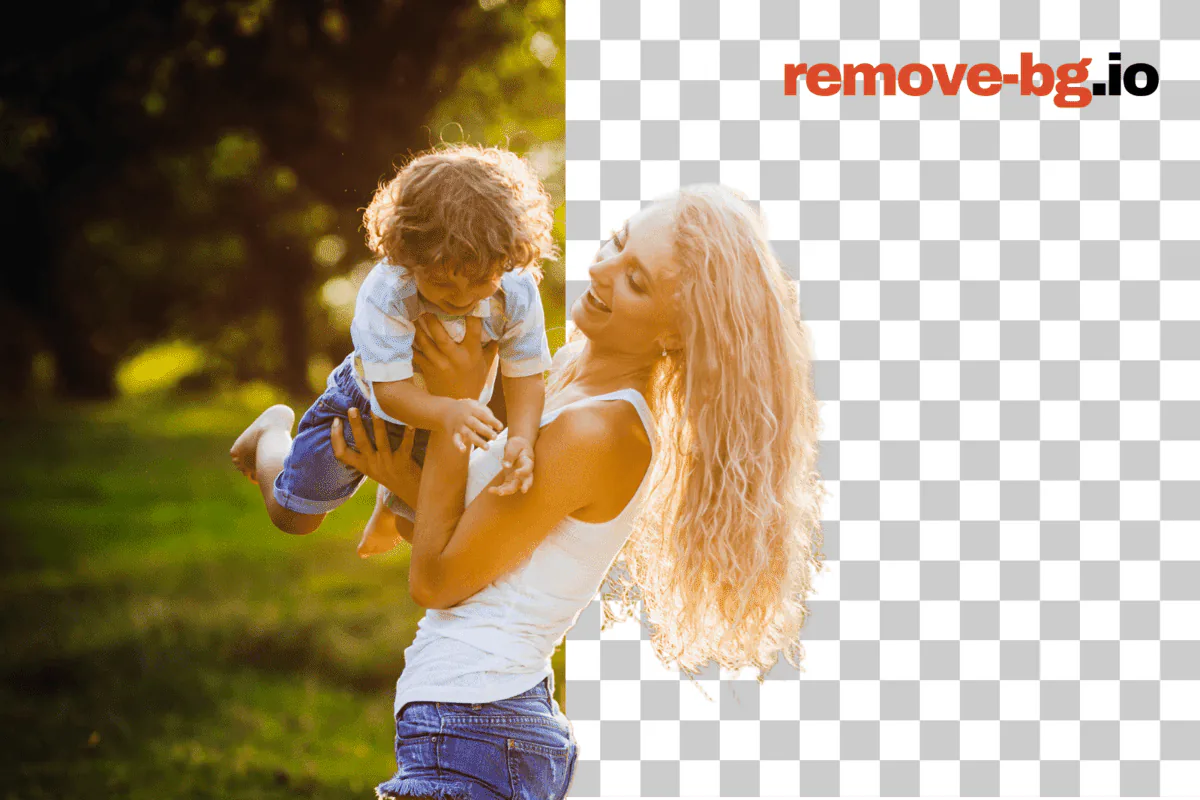
Background removal isolates the subject of a photo — a person, a product, a vehicle, a pet, a graphic — from everything behind it, leaving a clean cutout you can drop onto any backdrop. The result is usually a transparent PNG, where every pixel that used to be sky, wall, table, or studio sweep becomes empty space. From that point you can save the cutout as-is, paste it onto a white square for a marketplace listing, swap in a brand color, blur the original scene for a softer portrait, or composite the subject into a new shot entirely.
remove-bg.io runs the segmentation model directly inside your browser using ONNX Runtime compiled to WebAssembly. The first time you open the editor, a model file downloads to your device cache; after that the cutout happens locally on your CPU or GPU with no round-trip to a server. That means the photo never leaves your machine by default, exports stay at full resolution without a watermark, and there is no daily quota or HD paywall to negotiate. When the in-browser path cannot reach a confident result — very large frames, fine hair against a busy background, low-end mobile silicon — the editor falls back to an API call protected by HMAC signing and proof-of-work.
Common workloads land in a few familiar shapes. Marketplace sellers on Amazon, Etsy, eBay, and Shopify need a pure-white square at exact pixel sizes; portrait photographers need a soft transparent edge that survives a hair-line composite; social posters want a square or vertical crop with the subject pushed to a safe zone away from caption overlays; document workflows need a passport-spec head-and-shoulders silhouette ready for a government form. The same cutout pipeline serves all of them, and a layered editor on top — color fills, gradients, blurs, drop shadows, brand backdrops, and a manual brush for stray pixels — turns the raw mask into a finished export.
Cómo Usar remove-bg.io
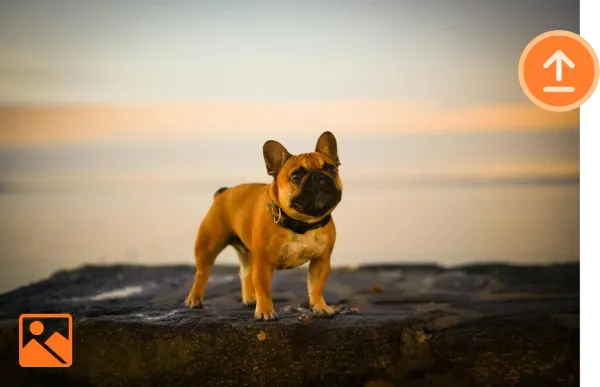
Subir una Imagen
Haz clic en Subir o arrastra tu imagen deseada a la caja de subida.
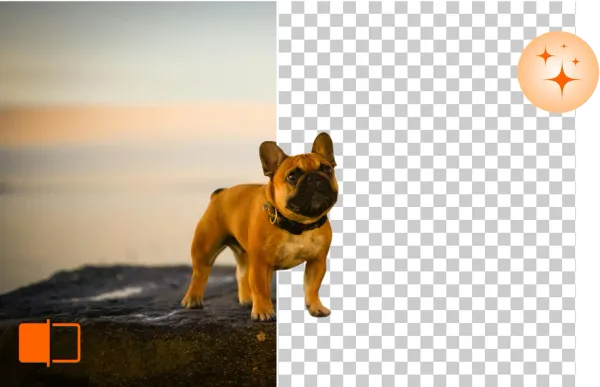
Eliminar y Editar Fondo
remove-bg.io eliminará automáticamente el fondo en segundos, permitiéndote editarlo más.
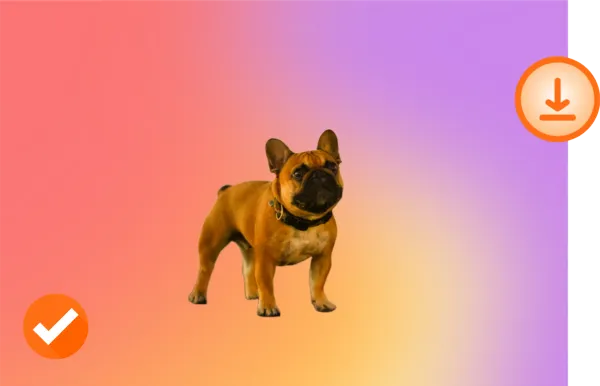
Descargar en HD
¿Satisfecho con tu nueva foto? Descárgala en calidad HD y compártela.
¡Hazlo a tu Manera!

Original

Fondo Transparente

Nuevo Fondo
¿Qué Hace Único a Remove BG?
Borrar Fondos en Línea Gratis
Con Remove BG, puedes borrar fondos sin esfuerzo y sin costo. Simplifica tu flujo de trabajo de edición sin comprometer la calidad.
Editar Fondos en Cualquier Dispositivo
Remove BG funciona en todos los dispositivos — no requiere instalaciones. Edita tus imágenes desde un escritorio, tableta o teléfono sin problemas.
Compatible con Formatos de Imagen Populares
Remove BG es compatible con PNG, JPG y otros formatos de archivos comunes, haciéndolo la herramienta perfecta para cualquier proyecto.
Preserva la Calidad de tu Imagen
Remove BG asegura que tus imágenes conserven su resolución completa y nitidez, incluso después de eliminar el fondo.
Why on-device processing matters
The default cutout never leaves your device. There is no upload step, no temporary server-side file, no log line tying a face or a product photo to your IP. For a portrait of a child, an unreleased product render, an internal team headshot, or a passport scan, that boundary is the difference between a tool you can hand to anyone on a team and one that needs a legal review first. Because the model lives in your browser cache after the first run, return visits start the cutout in the time it takes to load a JPEG.
Local execution also removes the failure modes that come with a paid API. There is no per-image charge to track, no monthly credit cap to hit at the worst possible moment, no rate limiter to wait out, no service outage that strands a Friday-night listing batch. Once the editor is loaded the cutout works on a flight, on a hotel Wi-Fi captive portal, or on a job site with patchy LTE — the round-trip is local. The only time the editor reaches a server is when the in-browser path runs out of memory on a very large frame, and that fallback is free as well.
Diseñado para cada caso de uso
E-commerce
Match marketplace specs without a per-platform second pass. Amazon's pure-white 2000x2000 main image, Etsy's 2000x2000 square with a soft shadow, eBay's 1600x1600 zoom-ready frame, Walmart's 2.5 percent padding rule, Shopify's transparent PNG product slot — every preset is one click and the canvas snaps to the spec. The bulk processor takes a folder of studio shots from a single shoot and emits per-platform exports in parallel, each tagged with the right pixel size and the right shadow style for the destination feed.
Photographers
Trim a portrait subject away from a distracting studio sweep, recover a flyaway hair edge with the manual brush, and composite the figure against a softly graded backdrop or a brand color. The pipeline keeps the original DPI metadata in the export, accepts JPEG, PNG, WebP, and HEIC inputs from a phone or a tethered shoot, and respects the full sensor resolution on the way out — no quiet downsample to fit a freemium tier. Bulk mode handles a wedding gallery in one run.
Car Dealerships
Lift a vehicle off a forecourt, a service-bay floor, or a rainy lot and place it onto a clean showroom gradient, a brand-color backdrop, or a stock-photo skyline that matches every other unit on the lot page. The cutout holds at the wheel arches and chrome trim, exports at the resolution your DMS feed expects, and the bulk lane handles a full inventory refresh — a hundred VINs in a single drag-and-drop without a per-image fee or a credit-card prompt halfway through.
Marketing
Pull product, talent, or hero subjects out of one shoot and drop them onto a campaign backdrop, a gradient banner, an OOH placement crop, or a paid-social square. Brand colors save once and apply across a batch, the cutout edge stays clean enough for a billboard print, and exports include the transparent PNG, a flattened JPEG, and a WebP for the web team. The bulk processor turns a quarterly asset request from a half-day job in Photoshop into a coffee-break task.
Individuals
Pull a sharp cutout from a phone photo for a profile picture on LinkedIn, Discord, WhatsApp, or a school portal that demands a plain background. Drop yourself onto a clean color, a softly blurred version of the original scene, or a holiday backdrop for a card. The full-resolution PNG goes straight to your camera roll without a watermark, and the editor keeps recent uploads in a local IndexedDB cache so a second pass on the same photo opens instantly.
Developers
Hit a single REST endpoint at api.remove-bg.io, post a base64 image inside an HMAC-signed JSON body, and get a transparent PNG back. The same endpoint powers the on-page editor, so the response shape, the cutout quality, and the rate behavior match what you have already tested in the browser. Bulk callers stay under three concurrent jobs per token, and a Turnstile-protected boot handshake exchanges short-lived signing keys instead of leaking a static API key into a client bundle. No SDK lock-in, no per-month minimum.
Desde el blog
Cómo Eliminar el Fondo de Fotos de Productos Gratis
Aprendé a eliminar fondos de fotos de productos gratis en HD. Listas para MercadoLibre, Tiendanube y Facebook Marketplace. Sin registro.
Cómo Hacer Fotos de Pasaporte en Casa con Fondo Correcto
Hacé fotos de pasaporte con fondo blanco en casa. Cubre requisitos para pasaporte argentino, visa US y Schengen. Gratis, sin registro.
Cómo Hacer un Logo PNG Transparente Gratis
Convertí cualquier logo en un PNG transparente en segundos. Eliminá el fondo de logos JPG, escaneados y capturas. Gratis, descarga HD.
Preguntas Frecuentes
¿Remove BG ofrece herramientas de edición?
Sí, Remove BG proporciona herramientas para perfeccionar tus imágenes, como eliminación de fondo, ajustes y mejoras.
¿Cómo puedo mejorar la profundidad y el enfoque en mis imágenes usando remove-bg.io?
Nuestra herramienta admite efectos de profundidad de campo, permitiéndote desenfocar el fondo y resaltar el sujeto.
¿Puede Remove BG crear fondos transparentes?
¡Por supuesto! Con Remove BG, puedes hacer fácilmente que los fondos de tus imágenes sean transparentes.
¿Puedo borrar el fondo en dispositivos iPhone/iOS?
Sí, nuestra herramienta es totalmente compatible con dispositivos iPhone y iOS.
¿Puedo usar esta herramienta en dispositivos Android para borrar el fondo?
Sí, los usuarios de Android pueden acceder y usar remove-bg.io fácilmente para borrar fondos.
¿Por qué elegir Remove BG?
Remove BG es rápido, gratuito y fácil de usar, con resultados profesionales que mantienen la calidad de tu imagen.
¿Es esta una herramienta gratuita para eliminar fondos?
Sí, remove-bg.io ofrece servicios de eliminación de fondo gratuitos para todos los usuarios.
¿Puedo quitar el fondo de un logotipo usando esta herramienta?
Sí, puedes eliminar fácilmente los fondos de logotipos y otras gráficas.
¿Cómo puedo cambiar el fondo de una foto?
Después de eliminar el fondo, puedes subir y aplicar un nuevo fondo de nuestras plantillas o subir el tuyo propio.
¿Aún tienes preguntas? ¡Estamos aquí para ayudarte!
Contactar Soporte