

Remova o fundo instantaneamente
Remoção de fundo instantânea em resolução completa — 100% grátis, sem precisar cadastrar!
Ao enviar uma imagem, você aceita nossos Termos de Serviço e Política de Privacidade
Sem cadastro
Necessário
100% Grátis
Para sempre
Sem marca d'água
Resultados limpos
Qualidade HD
Resolução completa
Resultados em Alta Definição


O que é remover o fundo?
Remover o fundo isola o sujeito de uma foto — uma pessoa, um produto, um veículo, um pet, um gráfico — de tudo que está atrás, deixando um recorte limpo que você pode colocar sobre qualquer fundo. O resultado é geralmente um PNG transparente, onde cada pixel que antes era céu, parede, mesa ou sweep de estúdio vira espaço vazio. A partir daí você pode salvar o recorte como está, colar sobre um quadrado branco para um listing de marketplace, mudar para uma cor de marca, dar blur na cena original para um retrato mais suave, ou compor o sujeito em uma tomada completamente nova.
O remove-bg.io executa o modelo de segmentação direto dentro do seu navegador usando ONNX Runtime compilado para WebAssembly. Na primeira vez que você abre o editor, um arquivo do modelo é baixado para o cache do seu dispositivo; depois disso o recorte acontece localmente no seu CPU ou GPU sem ida e volta a um servidor. Isso significa que a foto nunca sai do seu computador por padrão, as exportações se mantêm em resolução completa sem marca d'água, e não há cota diária nem paywall HD para negociar. Quando a rota in-browser não consegue alcançar um resultado confiável — frames muito grandes, cabelo fino contra um fundo bagunçado, silício mobile de entrada — o editor cai para uma chamada API protegida por assinatura HMAC e proof-of-work.
Os workloads comuns caem em poucas formas familiares. Vendedores de marketplace na Amazon, Etsy, eBay e Shopify precisam de um quadrado branco puro em tamanhos exatos em pixels; fotógrafos de retrato precisam de um contorno transparente suave que sobreviva a um composto em linha de cabelo; posters sociais querem um crop quadrado ou vertical com o sujeito empurrado para uma zona segura longe de overlays de caption; os fluxos de documentos precisam de uma silhueta cabeça-e-ombros com spec de passaporte pronta para uma forma de governo. O mesmo pipeline de recorte serve a todos, e um editor em camadas em cima — preenchimentos de cor, gradientes, blurs, drop shadows, fundos de marca e uma brocha manual para pixels soltos — transforma a máscara crua em uma exportação acabada.
Como Usar o remove-bg.io
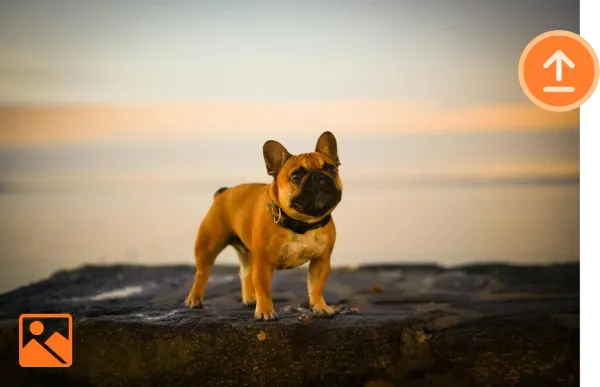
Carregue uma Imagem
Clique em Carregar ou arraste sua imagem desejada para a caixa de upload.
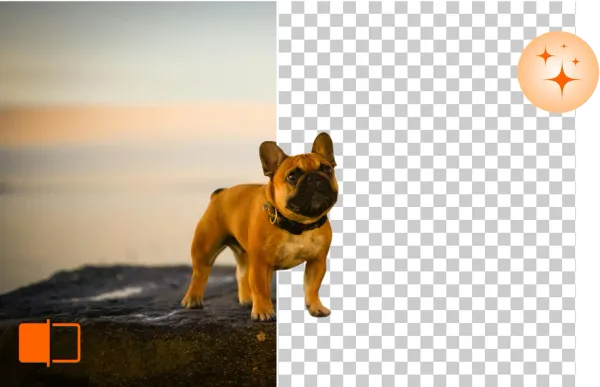
Remova & Edite o Fundo
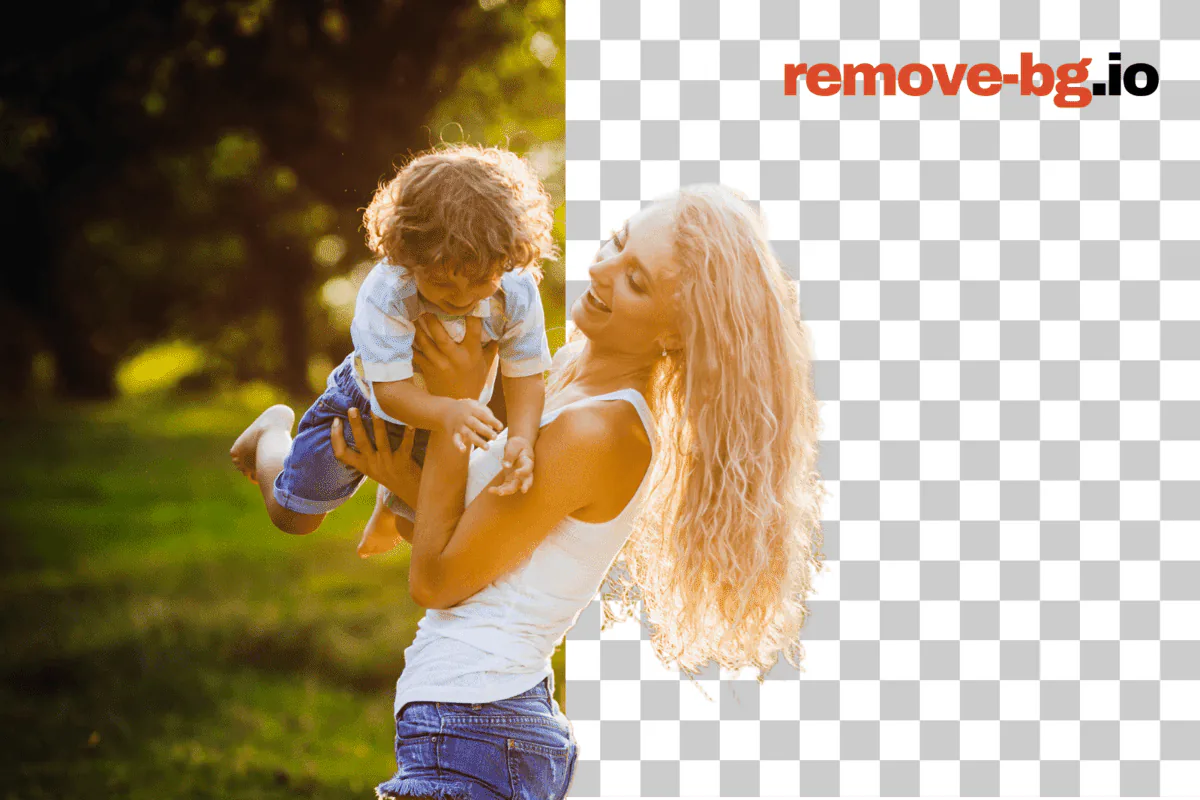
remove-bg.io removerá automaticamente o fundo em segundos, permitindo que você edite ainda mais.
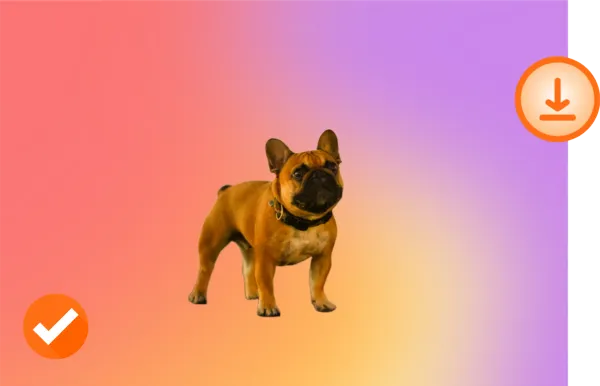
Baixe em HD
Satisfeito com sua nova foto? Baixe-a em qualidade HD e compartilhe.
Personalize!

Original

Fundo Transparente

Novo Fundo
O que Torna o Remove BG Único?
Apague Fundos Online Gratuitamente
Com o Remove BG, você pode apagar fundos sem esforço e sem custo. Simplifique seu fluxo de edição sem comprometer a qualidade.
Edite Fundos em Qualquer Dispositivo
Remove BG funciona em todos os dispositivos — sem necessidade de instalações. Edite suas imagens de forma contínua de um desktop, tablet ou telefone.
Suporta Formatos de Imagem Populares
Remove BG é compatível com PNG, JPG e outros formatos de arquivo comuns, tornando-se a ferramenta perfeita para qualquer projeto.
Preserve a Qualidade da Sua Imagem
Remove BG garante que suas imagens mantenham sua resolução e nitidez totais, mesmo após a remoção do fundo.
Por que o processamento on-device importa
O recorte padrão nunca sai do seu dispositivo. Não há passo de upload, nem arquivo temporário no servidor, nem linha de log que ate um rosto ou foto de produto ao seu IP. Para um retrato de uma criança, um render de produto não lançado, um headshot de equipe interno ou um escaneio de passaporte, essa fronteira é a diferença entre uma ferramenta que você pode entregar a qualquer um em um time e uma que precisa de revisão jurídica primeiro. Como o modelo vive no cache do seu navegador depois da primeira corrida, as visitas seguintes iniciam o recorte no tempo que leva para carregar um JPEG.
A execução local também elimina os modos de falha que vêm com uma API paga. Não há cobrança por imagem para rastrear, nem teto de créditos mensal para bater no pior momento possível, nem rate limiter para esperar, nem outage de serviço que deixe encalhado um batch de listing de sexta à noite. Uma vez carregado o editor, o recorte funciona em um voo, em um portal cativo de Wi-Fi de hotel, ou em obra com LTE fraco — a viagem é local. A única vez que o editor chega a um servidor é quando a rota in-browser fica sem memória em um frame muito grande, e esse fallback também é grátis.
Feito para cada caso de uso
E-commerce
Atende specs de marketplace sem segunda passagem por plataforma. A imagem principal branco puro 2000x2000 da Amazon, o quadrado 2000x2000 com sombra suave do Etsy, o frame zoom-ready 1600x1600 do eBay, a regra de padding 2,5% do Walmart, o slot PNG transparente de produto do Shopify — cada preset é um clique e o canvas se ajusta à spec. O processador em lote pega uma pasta de tomadas de estúdio de uma única sessão e emite exportações por plataforma em paralelo, cada uma marcada com o tamanho em pixels correto e o estilo de sombra correto para o feed de destino.
Fotógrafos
Recorte um sujeito de retrato longe de um sweep de estúdio que distrai, recupere o contorno de um cabelo voado com a brocha manual e componha a figura sobre um fundo suavemente graduado ou uma cor de marca. O pipeline preserva os metadados DPI originais na exportação, aceita entradas JPEG, PNG, WebP e HEIC desde celular ou sessão tethered, e respeita a resolução completa do sensor na saída — sem downsample silencioso para encaixar em um nível freemium. O modo bulk lida com uma galeria de casamento em uma única corrida.
Concessionárias
Levanta um veículo de um pátio, do piso de baia de serviço ou de um lote sob a chuva e coloca sobre um gradiente limpo de showroom, um fundo de cor de marca ou uma skyline de stock photo que combine com cada outra unidade na página do lote. O recorte se sustenta nos paralamas e nas rodas cromadas, exporta na resolução que seu feed DMS espera, e a faixa bulk lida com um refresh completo de inventário — cem chassis em um único drag-and-drop sem tarifa por imagem nem prompt de cartão de crédito no meio do caminho.
Marketing
Tira produto, talento ou sujeitos hero de uma única sessão e deixa sobre um fundo de campanha, um banner gradiente, um crop de colocação OOH ou um quadrado para social pago. As cores de marca são salvas uma vez e aplicam em batch, o contorno do recorte se mantém limpo o suficiente para impressão de outdoor, e as exportações incluem o PNG transparente, um JPEG aplanado e um WebP para o time web. O processador bulk transforma um pedido trimestral de assets de meio dia de trabalho no Photoshop em tarefa de pausa para café.
Pessoas físicas
Tira um recorte nítido de uma foto de celular para foto de perfil no LinkedIn, Discord, WhatsApp ou um portal escolar que exige fundo liso. Coloca seu rosto sobre uma cor limpa, uma versão suavemente borrada da cena original ou um fundo natalino para um cartão. O PNG de resolução completa vai direto para sua galeria sem marca d'água, e o editor mantém uploads recentes em um cache local de IndexedDB para que uma segunda passagem na mesma foto abra instantaneamente.
Desenvolvedores
Cole um único endpoint REST em api.remove-bg.io, mande uma imagem base64 dentro de um body JSON assinado com HMAC e receba um PNG transparente de volta. O mesmo endpoint move o editor on-page, então a forma de resposta, a qualidade de recorte e o comportamento de rate combinam com o que você já testou no navegador. Os callers bulk se mantêm abaixo de três jobs concorrentes por token, e um handshake de boot protegido por Turnstile troca chaves de assinatura de curta duração em vez de vazar uma API key estática para um bundle de cliente. Sem lock-in de SDK, sem mínimo mensal.
Do blog
Remover fundo de fotos de produtos grátis (Amazon)
Aprenda a remover fundos de fotos de produtos de graça em HD. Perfeito para Amazon, Shopify, Mercado Livre e Etsy. Sem cadastro, sem marcas d'água.
Fotos para passaporte em casa com o fundo correto (grátis)
Faça fotos para passaporte com fundo branco em casa. Requisitos para Brasil, EUA, UK, UE, Canadá e Índia. Ferramenta gratuita, sem cadastro.
Como Criar um Logo PNG Transparente Online de Graça
Converta qualquer logo em PNG transparente em segundos. Remova o fundo de JPG, scans e prints. Grátis, sem cadastro, download HD.
Perguntas Frequentes
O Remove BG oferece ferramentas de edição?
Sim, o Remove BG fornece ferramentas para refinar suas imagens, como remoção de fundo, ajustes e melhorias.
Como posso aumentar a profundidade e foco em minhas imagens usando o remove-bg.io?
Nossa ferramenta suporta efeitos de profundidade de campo, permitindo que você desfocar o fundo e destacar o sujeito.
O Remove BG pode criar fundos transparentes?
Claro! Com o Remove BG, você pode facilmente tornar os fundos das suas imagens transparentes.
Posso apagar o fundo em dispositivos iPhone/iOS?
Sim, nossa ferramenta é totalmente compatível com dispositivos iPhone e iOS.
Posso usar esta ferramenta em dispositivos Android para apagar o fundo?
Sim, usuários Android podem acessar e usar o remove-bg.io facilmente para apagar fundos.
Por que escolher o Remove BG?
Remove BG é rápido, gratuito e fácil de usar, com resultados profissionais que mantêm a qualidade da sua imagem.
Esta é uma ferramenta gratuita para remover fundos?
Sim, remove-bg.io oferece serviços gratuitos de remoção de fundo para todos os usuários.
Posso remover o fundo de um logotipo usando esta ferramenta?
Sim, você pode facilmente remover fundos de logotipos e outros gráficos.
Como posso mudar o fundo de uma foto?
Após remover o fundo, você pode carregar e aplicar um novo fundo de nossos modelos ou carregar o seu próprio.
Ainda tem perguntas? Estamos aqui para ajudar!
Contate o Suporte